- Include the word “encrypt” in the subject of the email
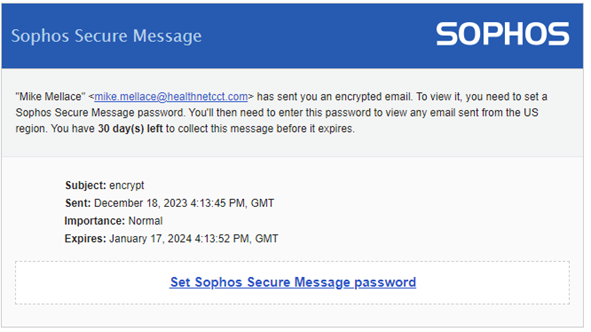
- User will receive an email asking them to setup a password. If they have already set a password continue to step 4.
- Select a password and answer security questions to complete the secure message setup.
- The recipient will now receive another email with the secure message as an attachment. The emails will be password protected using the secure message password that you set.
Was this article helpful?
That’s Great!
Thank you for your feedback
Sorry! We couldn't be helpful
Thank you for your feedback
Feedback sent
We appreciate your effort and will try to fix the article